Samsung Ice Maker Not Working: Why It Stopped Making Ice
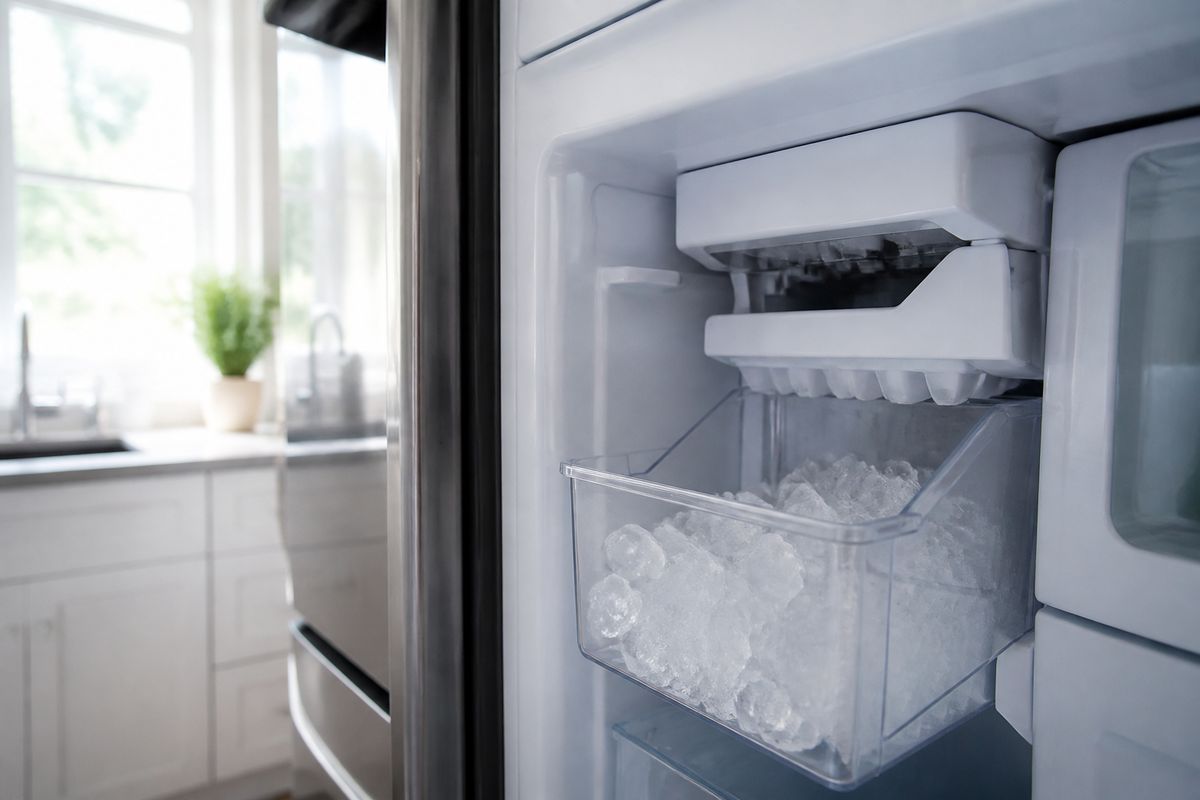
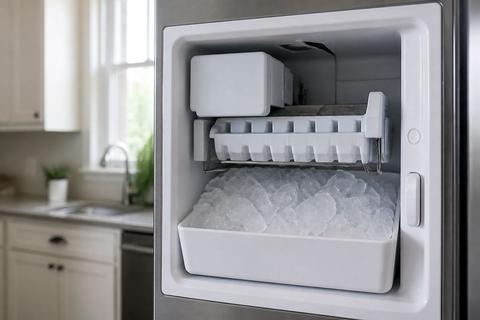
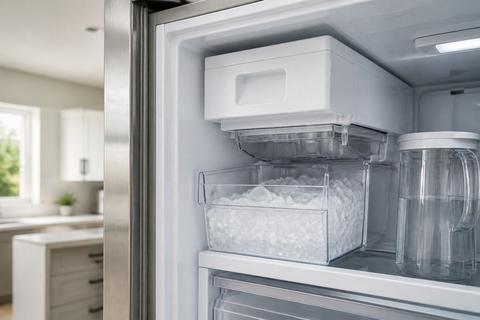
If you’re dealing with a samsung ice maker not working situation, you’re probably hearing the refrigerator run but not seeing ice in the bin. It’s frustrating—especially when the water dispenser still seems to work. The good news: most “no ice” problems trace back to a few fast checks like pause settings, freezer temperature, or a frozen water path.
For more help, see our Samsung Ice Maker Not Working: Diagnose and Fix No-Ice Problems guide.
Start with the fastest checks
Confirm the ice maker is turned on and not paused
Start with the simplest cause: the ice maker is disabled. On many Samsung models, the ice maker can be set to Ice Off from the control panel, or it may pause after a jam.
- Press Ice Off (or the ice maker toggle) to switch it back to Ice On.
- If your model has an Ice Maker button or Crushed/Ice mode selector, set it to regular cube ice production.
- Remove the ice bucket and re-seat it fully (an incorrectly seated bucket can keep the ice maker from operating).
- Give the unit a full ice cycle after restarting settings—ice often takes hours to refill the system.
Check the freezer temperature and door seal
Ice stops forming when the freezer isn’t cold enough or warm air is entering. Check two things: the temperature and the gasket that seals the door.
- Set the freezer to 0°F (-18°C).
- Wait at least 2–4 hours if you recently changed settings or after frequent door openings.
- Inspect the door gasket for gaps, warping, or damage—close the door on a sheet of paper; it should hold with light resistance.
- Look for ice buildup near the ice maker area that can block airflow and lead to freezing up.
Look for a simple water supply problem
Even when the refrigerator is running, a water supply interruption can stop ice production.
- Make sure the refrigerator’s water shutoff valve is open (handle parallel to the pipe = open).
- Confirm the water line is not kinked behind the fridge.
- Replace an old water filter if it’s overdue—clogging reduces flow enough that the ice maker can’t fill properly.
- If you recently changed filters, allow the water system to run until air clears before expecting strong ice-maker flow.
Identify the most common Samsung-specific failures
Inspect the ice maker for frost buildup or a frozen fill tube
Frost is one of the most common reasons Samsung ice makers stop making ice. A frozen fill tube prevents water from reaching the mold.
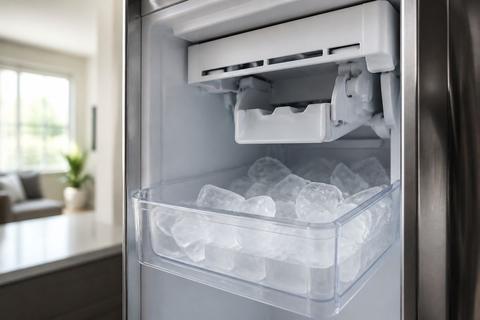
- Pull the ice bucket out and look for frost or packed ice around the ice maker inlet area.
- If you see a buildup, clear the ice bucket area first, then run a defrost (covered in later steps).
- Check the fill tube path (from the water inlet toward the ice maker). If it looks iced over, the unit needs thawing so water can flow again.
- Once thawed, restart ice production and allow the system time to complete a full harvest cycle.
Check for a jammed ejector arm or stuck ice mold
If ice can’t eject, the ice maker stops producing the next batch to avoid repeated jams.
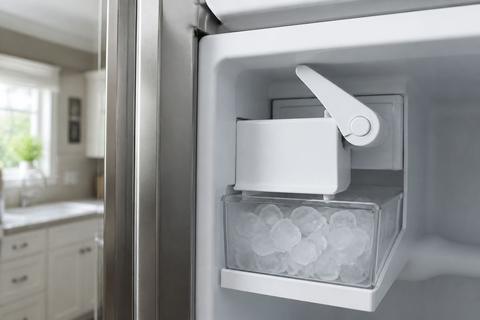
- Remove the ice bucket and inspect for ice bridging between the mold and chute.
- Look for an ejector arm that is blocked by ice; clear a visible blockage with warm water.
- If the ice mold is stuck full, the mechanism will often remain frozen until you thaw it fully.
- After clearing, reassemble the bucket and restart the ice maker so the harvest cycle can complete normally.
Understand when the ice maker is producing ice too slowly or intermittently
Slow or intermittent production points to water flow, temperature, or sensor/control problems rather than a simple “off” setting.
- Confirm the freezer stays at 0°F (-18°C) continuously.
- Check for a partially frozen fill tube that can slowly drip water into the mold.
- Inspect the ice maker area for heavy frost that restricts the cycle.
- If production resumes after defrost/reset but stops again, look next for sensor faults and harvest failures.
Work through water and dispenser issues
Verify water pressure, filter condition, and inlet valve function
Even if the dispenser works, weak water pressure can fail the ice maker fill step.
- If your dispenser runs slowly, inspect the water filter—replace it if it’s near replacement or clogged.
- Listen for changes in water flow after filter changes; trapped air or a partially seated filter can reduce pressure.
- Check that the inlet valve is supplying water to the ice maker—if water runs to the dispenser but not to ice, the valve or ice maker feed path is suspect.
- If you have access to a service mode or diagnostics on your model, follow the manual’s water/ice test steps.
Test whether water reaches the ice maker but not the bin
This separates “no water entering the ice maker” from “ice maker can’t harvest.”
- Run the dispenser briefly to see if the water line is flowing normally (a steady stream indicates the supply is active).
- With the ice bucket removed, observe whether any water reaches the ice maker inlet area during a fill attempt.
- If water reaches the ice maker but you still get no ice in the bin, the problem is typically jammed ejector parts, a stuck mold, or a failed harvest component.
- If no water reaches the ice maker, continue troubleshooting the filter, tubing, and inlet valve path.
Troubleshoot when the dispenser works but the ice maker does not
This pattern strongly suggests an ice-maker-only issue.
- Check for Ice Off status, paused mode, or a bucket sensor issue (bucket not fully seated).
- Look for frost around the fill tube, inlet, or sensor area.
- Perform a Samsung ice maker reset/harvest test (next section).
- If reset doesn’t restore ice, move to defrost steps and then sensor/error-code interpretation.
Use model-aware reset and defrost steps
Reset the ice maker on common Samsung French door and side-by-side models
A reset clears stuck status, harvest errors, and timing issues that stop ice production.
- Locate the ice maker’s control. Many Samsung models use Ice Off on the panel to shut down ice production.
- Switch to Ice Off, wait 30 seconds, then switch back to Ice On.
- Remove the ice bucket, clear any visible ice bridge, and re-seat the bucket firmly.
- Run the ice maker test cycle if your model has a Test button (often on the underside or right side of the ice bucket assembly): press/hold about 10 seconds until you hear a chime. The unit runs a harvest and fill cycle.
Defrost a frozen ice maker safely without damaging parts
If frost is blocking the fill tube or sensors, you need a thaw that doesn’t overheat plastic components.
- If you can access it safely, remove the ice bucket and let the ice maker area thaw with time.
- For faster thawing, use a hair dryer on low, directing warm air at the frost on the auger/chute area—do not concentrate heat on plastic housings for long periods.
- If your model supports it, use Forced Defrost: press and hold the Freezer (or Power Freeze) and Fridge (or Lighting) buttons together for 8–12 seconds until the display goes blank and beeps, then press a button repeatedly until the display reads “Fd” and the defrost cycle starts.
- After thawing, restart ice production and allow the system time to refill the mold and harvest again.
Know when a bottom freezer, upper, or dual ice maker needs different steps
Different Samsung layouts use different ice systems and access points, so the reset/defrost method may differ.
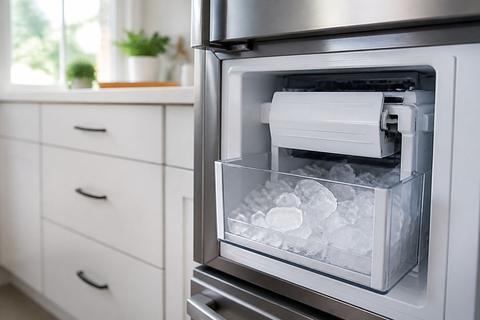
- Bottom freezer models: the ice maker is in the freezer compartment—check for frost around the fill tube and auger, and focus defrost on the ice maker area behind the panel.
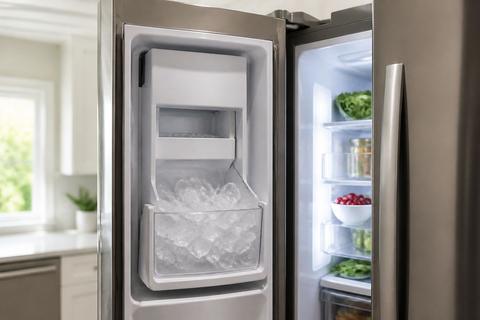
- Upper refrigerator ice (French door) models: access often requires removing the ice bucket; clear chute jams and frost near the fill path before restarting.
- Dual ice makers: one side may run while the other fails—check which bin is empty and inspect both ice maker assemblies separately.
- Use the model-specific button locations and test/defrost sequence shown in your manual for your exact configuration.
Read symptoms, error codes, and failure patterns
Interpret ice maker error codes and blinking lights
Samsung ice maker faults often show up as specific codes or blinking indicators that point to the failure stage.
- Look for an error on the display such as “5E” or “SE”—these commonly relate to an ice maker sensor/ice-maker fault and indicate the harvest or sensing cycle isn’t completing.
- If the ice maker light is blinking along with a code, it usually means the unit detected a problem during freeze/harvest or fill.
- A full defrost and reset can clear frost-related sensor obstruction; if the code returns quickly, the part behind that fault is likely failing.
- Record the exact code before clearing it—then compare it to the manual’s ice maker troubleshooting for the same model.
Spot signs of a bad ice maker assembly versus a control issue
You can narrow the culprit by which symptoms match the failure stage.
- If you get frost, repeated stuck harvest behavior, or no ejection while water is reaching the ice maker, the ice maker assembly is the prime suspect.
- If the ice maker never initiates fill, even after reset/defrost, the issue can be the control path—such as wiring, sensor, or a failing control board.
- If ice production works briefly after power cycling/reset but stops again, the control/sensor is often involved, not just the mold.
- If you already replaced the ice maker but the symptoms remain identical, proceed to water supply, wiring, fan/airflow, and control components next.
Recognize when replacement still leaves you with no ice
Replacing the ice maker without fixing the root cause is a common outcome when water path or temperature problems remain.
- If a new ice maker still makes no ice after reset and defrost, focus on water supply to the ice maker feed line and the inlet valve.
- Check that the freezer reaches 0°F (-18°C) consistently; poor temperature prevents normal freeze timing and harvest.
- Inspect connectors and wiring to the ice maker assembly for looseness or damage during prior service.
- If the system shows a recurring SE/5E-type fault, the assembly swap may have happened, but the sensor obstruction, wiring, or control logic issue remains.
When cleaning, parts, or repair are needed
Clean mineral buildup and clear ice clumps the right way
Scale and mineral deposits interfere with the fill, sensor readings, and harvest cycle.
- Remove the ice bucket and discard old ice.
- Rinse the bucket and bin with warm water only; avoid harsh chemicals that can leave residue.
- Clear small clumps in the chute and around the mold using warm water and a soft cloth—don’t scrape plastic parts with metal tools.
- If mineral buildup returns quickly, replace the water filter and confirm the incoming water is within normal quality range for icemaker operation.
Decide whether you need a fix kit, replacement part, or service call
Not every repair is a full replacement. The right choice depends on what failed stage you observed.
- If the problem is frost-related and clears with defrost and reset, start with cleaning and filter/tube checks before replacing components.
- If error codes keep returning (like 5E/SE) after defrost, you likely need a specific part tied to that fault (sensor, inlet valve, wiring harness, or ice maker assembly).
- If water reaches the ice maker but harvest fails repeatedly, replacement of the relevant ice maker mechanism is more likely than replacing the refrigerator control.
- If you can’t confidently access the ice maker components or diagnose error codes from the display, a service call prevents repeat part-swaps.
Find the right replacement approach for popular Samsung refrigerator models
Different Samsung refrigerator series require different access and component choices.
- For common Samsung French door models with ice in the upper section, prioritize access through the ice bucket area, chute clearance, and fill-tube frost checks.
- For side-by-side models, verify the ice maker assembly seating and the bucket sensor region before ordering parts.
- For bottom freezer models, inspect the freezer-side ice maker housing and the auger/chute pathway for persistent blockage.
- For dual ice maker configurations, diagnose the empty bin’s specific assembly rather than assuming a shared control is at fault.
Frequently Asked Questions
Why is my Samsung ice maker not working but water still dispenses?
That usually points to an ice-maker-only problem such as a frozen fill tube, jammed mechanism, failed ice maker assembly, or a control issue rather than a full water supply failure.
Why does my Samsung ice maker keep freezing up?
Common causes include warm air leaking in through the door gasket, high humidity, a blocked drain, a clogged fill tube, or a faulty defrost system around the ice maker.
How do I reset a Samsung ice maker?
Many Samsung models have a test/reset button or require a power cycle. The exact method depends on the model, so use the owner’s manual or model-specific instructions.
What does it mean if my Samsung ice maker makes ice sometimes?
Intermittent ice production often suggests an incoming water issue, temperature fluctuation, a partially frozen fill tube, or a failing sensor, motor, or control board.
Should I replace the ice maker if it was already replaced and still no ice?
Not always. If a new ice maker still does not make ice, the root cause is often water supply, temperature, wiring, fan, valve, or control-related rather than the ice maker itself.
How long should a Samsung ice maker take to make ice?
A freezer ice maker typically needs several hours for a first batch and may take longer after a reset, defrost, or refrigerator door opening cycle.