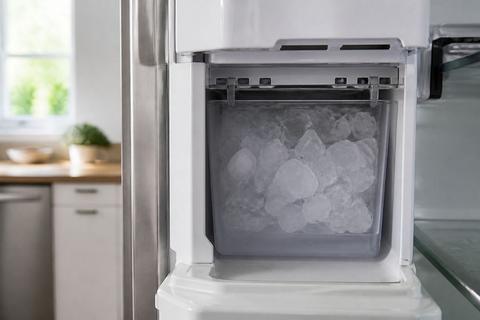
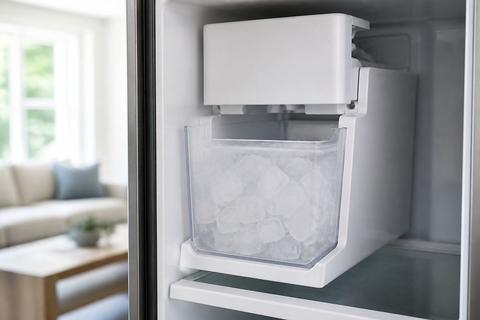
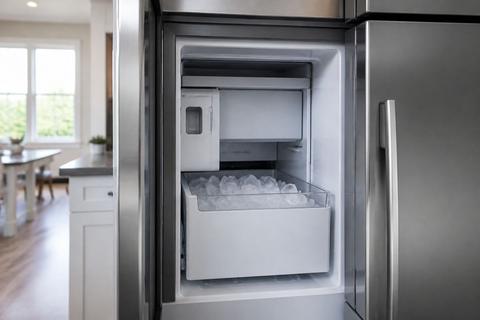
Samsung Ice Bin and Bucket: Remove, Free, and Unstick
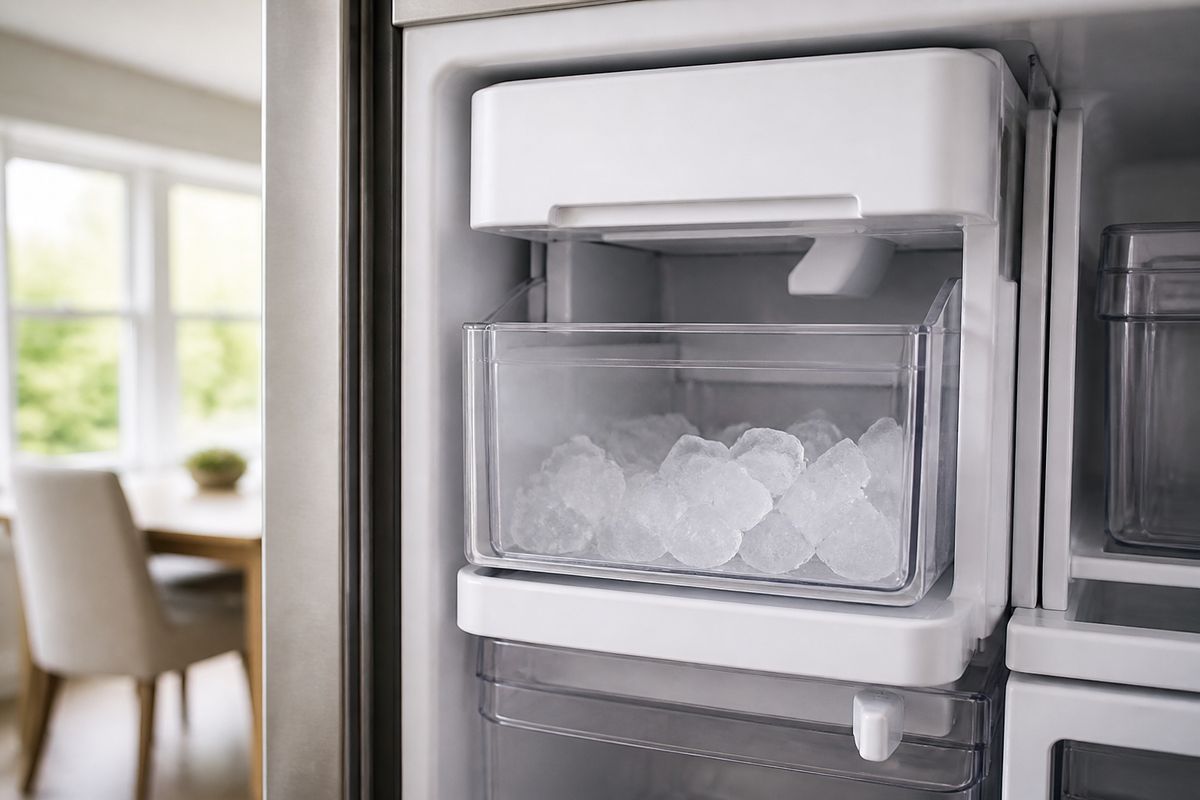
If your Samsung ice bin won’t lift, drop, or slide out smoothly, you’re dealing with a latch, tab, or frozen edge that’s locking the bucket in place. If you try to yank it, you can crack the plastic or damage the rails that guide the bin. Use the symptom-matching steps below to remove the ice bin and free a stuck ice bucket safely.
How to Open and Remove a Samsung Ice Bin When It Won't Lift
If the bin won’t lift, a release latch or internal tab is still engaged, or ice has frozen along the edge where the bucket meets the rails. The safest approach is to release the latch first, then melt only the stuck boundary area—never pry on the plastic.
How to open and remove a Samsung ice bin when it won't lift
- Set the ice maker to Ice Off on the dispenser or refrigerator control panel to stop new ice from freezing the assembly.
- Remove items from the freezer bin area and pull the freezer drawer/bucket area forward enough to access the ice bin sides.
- Locate the release lever/tab on the ice bin front or underside (varies by model). Press it fully while lifting the bin at the same time.
- If the bin won’t release, melt the frozen seam: pour warm (not hot) water along the bin’s left and right edges where it meets the rails, then wait 1–2 minutes.
- After the edge loosens, lift the bin and pull it straight out. Keep upward pressure on the bin until the latches clear.
- Remove any visible ice bridge around the auger opening using a soft cloth and warm water.
Full Guide: How to Open and Remove a Samsung Ice Bin When It Won't Lift
How to Remove a Frozen Ice Bucket From a Samsung Fridge
A frozen ice bucket means ice buildup has bonded the bin to the rails, the chute area, or the auger-side housing. The goal is thawing first, then a straight removal—so you don’t break the bucket or bend the mechanism.
How to remove a frozen ice bucket from a Samsung fridge
- Turn Ice Off to prevent additional ice formation during thawing.
- Empty the surrounding freezer space so you have room to access and catch meltwater.
- Unstick the bucket by thawing the bond points:
- Use a hair dryer on LOW aimed at the bucket’s side seam and front track area for short bursts (30–60 seconds).
- Stop when the bucket seam looks wet/loosened, then try a gentle pull.
- If it still won’t move, pour warm water onto the rails/bucket interface and let it sit 2–5 minutes before trying again.
- Once the bucket releases, lift slightly to clear the guide rails, then pull straight out.
- Wipe up meltwater and remove any loose ice chunks from the chute area with a towel.
Full Guide: How to Remove a Frozen Ice Bucket From a Samsung Fridge
Samsung Ice Bin Stuck: Free the Drawer and Ice Maker Door
When the drawer or ice maker door feels jammed, the stuck point is usually ice blocking the mechanism, misalignment of the bin, or a door that can’t fully swing open. Identify the jam area first so you free the correct part without yanking.
Samsung ice bin stuck: free the drawer and ice maker door
- Set Ice Off to pause production and reduce re-freezing while you work.
- Inspect where the drawer meets the track. Look for an ice ridge at the drawer edge or near the ice maker compartment.
- Clear the jammed area using controlled thaw:
- Apply warm water directly to the stuck seam where the drawer door meets the housing.
- Wait 2–3 minutes, then try sliding the drawer in and out gently once the seam loosens.
- If the ice maker door is the jam point, open it slowly after thawing the latch area so it can swing freely (do not force).
- Remove the ice bin after the door/drawer moves normally, then check for ice bridging in the chute area.
- Re-seat the bin on the rails so it sits level before closing the compartment.
Full Guide: Samsung Ice Bin Stuck: Free the Drawer and Ice Maker Door
How to Turn Off a Samsung Refrigerator Ice Maker
Turning off the ice maker prevents new ice from forming while you thaw or troubleshoot a stuck bin. This reduces repeat freezing and makes the removal steps faster and cleaner.
How to turn off a Samsung refrigerator ice maker
- On the refrigerator control panel, locate Ice Off and select it. The ice maker should stop harvesting and producing ice.
- If your model includes a dedicated ice maker control button, press Ice Off (or equivalent) until the indicator confirms ice production is paused.
- If your ice maker is currently mid-cycle, wait until the light/indicator reflects Ice Off before you pull the bucket.
- Proceed with removal/thaw steps once the ice maker is paused, then restart when the bin is clear and seated.
Frequently Asked Questions
Why is my Samsung ice bin hard to remove?
Your Samsung ice bin is hard to remove because ice buildup can freeze the bucket to the rails or along the bin edge, and a latch or tab may not fully release. Misalignment also traps the bin—if the bin is not seated correctly, the release can bind. Start by turning Ice Off, then thaw the specific stuck seam with warm water or low heat around the rail interface before trying to lift and pull straight out.
Should I force a frozen Samsung ice bucket out?
No. Forcing a frozen Samsung ice bucket out can crack the bucket, damage the guide rails, or break components in the ice maker assembly near the chute and auger area. The correct path is to thaw the bond points first, then remove using lift-and-pull straight out. Applying warmth at the seam or rails prevents plastic stress and reduces the chance of repeat freezing.
Do I need to turn off the ice maker before removing the bin?
Often yes, especially if you need time to thaw or inspect the mechanism. Turning off the ice maker stops new ice from forming and re-freezing the same stuck areas while you work. After you free the bin and clear any ice bridge, turn the ice maker back on only once the bin is seated properly and the area around the chute is free of loose ice.