Samsung Ice Maker Not Working: Diagnose and Fix No-Ice Problems
If your Samsung refrigerator suddenly stopped making ice, you’re not alone—no-ice failures usually have a clear cause you can narrow down fast. The sooner you match the symptom to the right part of the ice-making cycle, the fewer unnecessary repairs you’ll attempt. This guide helps you work through Samsung Ice Maker Not Working: Diagnose and Fix No-Ice Problems step by step, without guesswork.
Samsung Ice Maker Not Working: Why It Stopped Making Ice
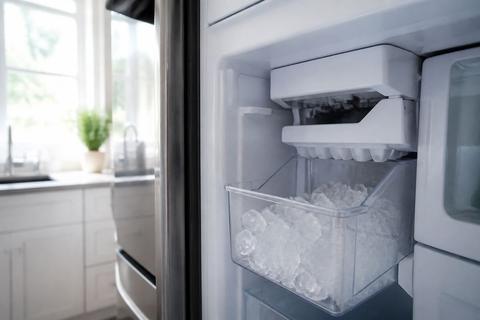
This is the right place to start when your ice maker has gone completely quiet—no new cubes, no dispensing activity, and no normal harvesting. No-ice problems typically come from settings (Ice Off / ice-disabled states), water flow issues, freezer temperature, or a component stuck partway through the ice cycle. Use this broad diagnosis path first so you don’t jump straight to parts replacement.
Full Guide: Samsung Ice Maker Not Working: Why It Stopped Making Ice
Freezer Not Making Ice on Samsung? Check the Ice-Off Arm
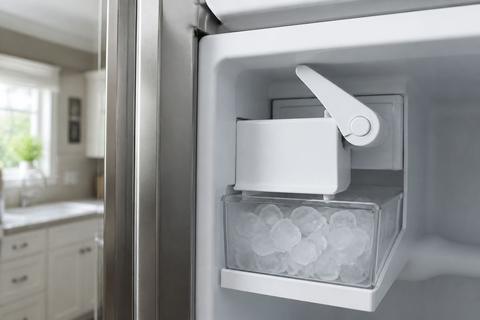
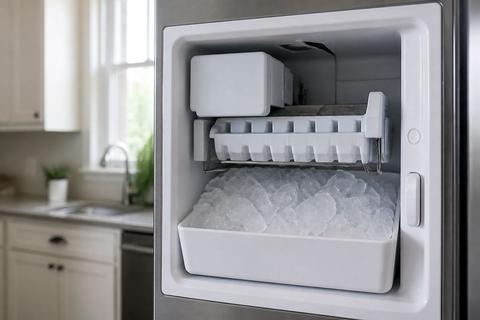
When the freezer is cold but ice production never starts, the ice-off mechanism is a common culprit. Many Samsung models use an ice-off arm or control area inside the ice bucket assembly that can physically disable the ice maker if something shifts.
Freezer Not Making Ice on Samsung? Check the Ice-Off Arm
- Locate the ice bucket inside the freezer.
- Remove the bucket and inspect for an ice-off arm lever that is pressed down or not returning to its normal position.
- If the arm is stuck, clear any ice around the arm with warm water (do not use sharp tools).
- Reinstall the bucket firmly so it sits correctly against the assembly.
- Turn the ice back on using the refrigerator’s control panel (look for Ice Off to switch it back to ice-making mode).
- Wait for the ice maker to begin the next cycle.
Full Guide: Freezer Not Making Ice on Samsung? Check the Ice-Off Arm
Samsung French Door Fridge Not Making Ice: How to Fix It
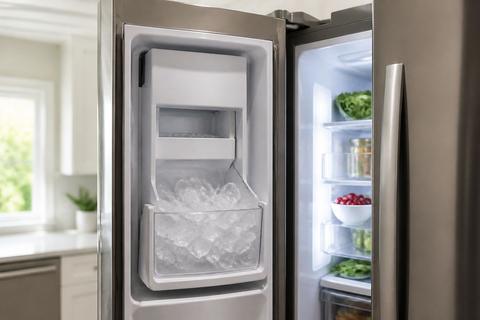
French door Samsung refrigerators have a few design-specific points that can look like total ice failure. The key is focusing on the correct ice assembly, the chute/delivery path, and the ice maker controls that govern harvesting and dumping.
Samsung French Door Fridge Not Making Ice: How to Fix It
- Set the freezer temperature to 0°F (-18°C) and leave it stable long enough for the ice maker to respond.
- Check the ice bucket and delivery chute for blockages or an ice bridge (melted ice can refreeze and stop movement).
- If your unit has a dedicated ice test option on the underside/right side of the ice bucket assembly, press and hold the Test button for about 10 seconds until you hear a chime; the unit will run a test fill/harvest cycle.
- If the test cycle doesn’t run, look for an ice-disabled state in the ice controls and return it to normal ice-making mode.
- For any persistent no-ice condition, proceed to the model-specific reset or ice-off mechanism checks in the matching child section.
Full Guide: Samsung French Door Fridge Not Making Ice: How to Fix It
Samsung Bottom Ice Maker Not Working: Reset and Fix Steps
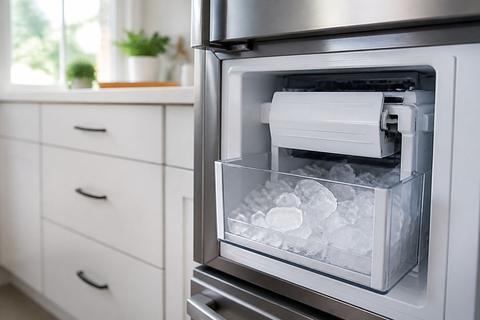
Bottom ice makers can stop producing after a setting change, freeze-up inside the ice chute, or an interruption in the harvest sequence. A targeted reset and thaw often restores operation before you suspect a failed control board.
Samsung Bottom Ice Maker Not Working: Reset and Fix Steps
- Use the control panel to switch to Ice Off (if available), then remove the ice bucket.
- Clear any ice clumps or bridging inside the bucket cavity and near the chute with warm water.
- Return the bucket and switch ice back to Ice On.
- If it still won’t resume, perform a forced defrost:
- Press and hold the Freezer (or Power Freeze) and Fridge (or Lighting) buttons together for 8–12 seconds until the display goes blank and beeps.
- Then press a button repeatedly until the display reads “Fd”.
- Start the cycle as instructed by the panel prompts; let it complete fully.
- After a reset/defrost, discard the first one or two batches once ice returns, and allow up to 24 hours for steady production.
Full Guide: Samsung Bottom Ice Maker Not Working: Reset and Fix Steps
Samsung Ice Maker Not Dispensing Ice: Restore Ice Delivery
If you have ice in the bin but nothing comes out the dispenser, the ice maker is only part of the problem. Dispensing issues usually happen at the delivery path: jams, blocked chutes, a stuck paddle, or dispenser control faults that prevent ice from releasing.
Samsung Ice Maker Not Dispensing Ice: Restore Ice Delivery
- Remove and inspect the ice bucket for ice clumps. Break up packed ice with a gloved hand; do not chip at the plastic.
- Check the dispenser area for a jam. If you see ice blocking the chute, melt it using warm water applied carefully to the blockage area.
- If your dispenser has a paddle/lever, verify it moves freely (ice stuck around the lever prevents release).
- Clear the chute path using gentle warm-water thawing (a hair dryer on low can melt frost that locks components in place).
- If the dispenser still won’t deliver, check for active ice-disabled settings on the panel and return to ice-making mode.
- Observe the dispenser for a complete release cycle; if ice is freed and delivery resumes, the issue was a path blockage.
Samsung Ice Maker Making Ice but Not Dumping: How to Fix
If cubes form but don’t fall into the ice tray, the system is stuck between harvest and dump. This is typically caused by a frozen release mechanism, a harvest obstruction, or an ice maker sensor reading incorrectly due to frost buildup.
Samsung Ice Maker Making Ice but Not Dumping: How to Fix
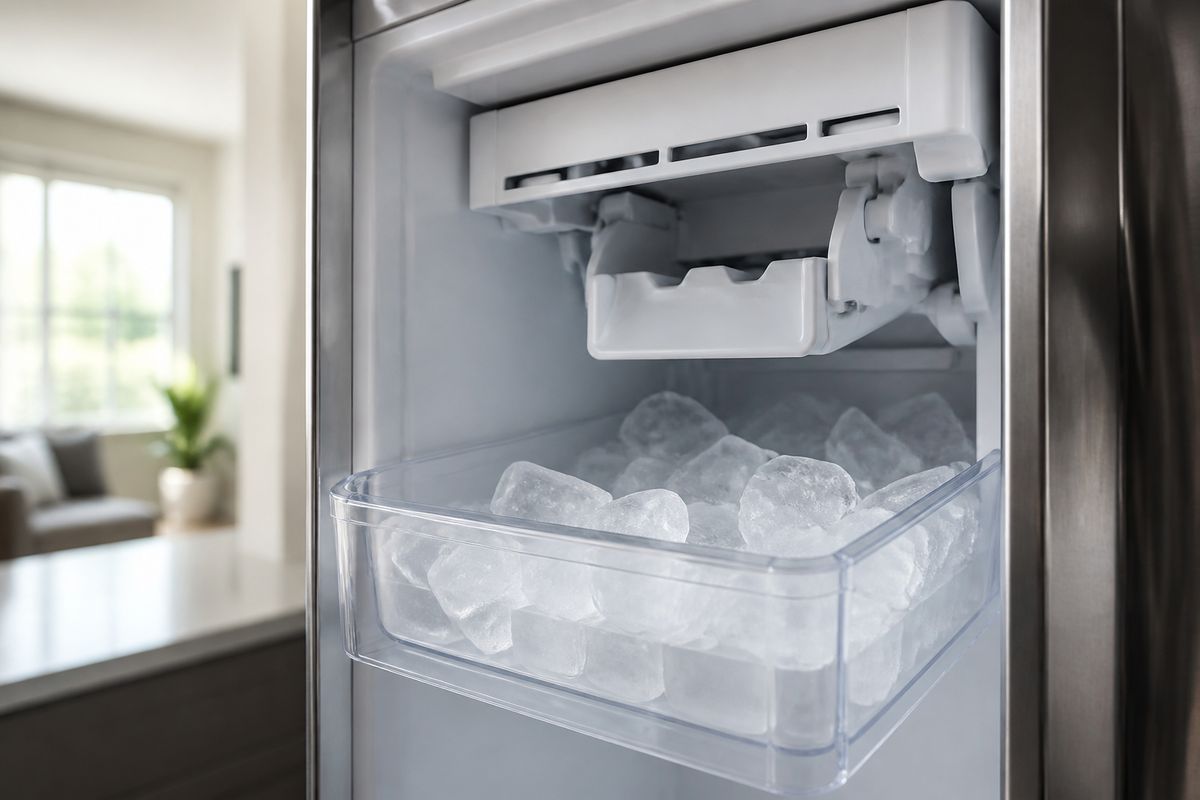
- Inspect the ice maker area for visible ice buildup around the harvest/release parts.
- If the ice maker is frosted over, run a thaw/defrost approach to clear it:
- Power the refrigerator down (or use the model’s forced defrost procedure from your reset checklist).
- Let it thaw until the frost is cleared—then restart.
- Look for error patterns on the ice maker light or display. A fault such as “5E” or “SE” (ice maker sensor) with a flashing ice-maker light often points to a frost-clogged sensor or stuck harvest.
- After thawing, discard any partially formed/contaminated cubes and allow one full cycle to complete.
- If it still produces but never dumps, the harvest/release mechanics may be stuck and require further inspection beyond temperature-only fixes.
Full Guide: Samsung Ice Maker Making Ice but Not Dumping: How to Fix
How to Test Your Samsung Refrigerator Ice Maker
Before replacing parts, you need to confirm whether the ice maker is responding to commands and completing its cycle. A practical test run isolates control issues from pure mechanical blockages.
How to Test Your Samsung Refrigerator Ice Maker
- Ensure the freezer is at 0°F (-18°C) and has had stable cooling for long enough to support ice formation.
- Turn ice-making On (disable Ice Off if your panel shows it).
- If your model has a built-in test mode (often on the underside/right side of the ice bucket assembly), press and hold the Test button for about 10 seconds until you hear a chime.
- Watch the cycle: you should hear water fill and then a harvest/dump action.
- If the test never initiates, check whether ice is disabled in the control panel and proceed to the reset/ice-off arm checks for your model style.
- If the test starts but freezes or fails mid-cycle, focus on thawing the ice maker area and clearing any jammed ice bridges.
Full Guide: How to Test Your Samsung Refrigerator Ice Maker
Frequently Asked Questions
Why is my Samsung ice maker not making ice at all?
A no-ice problem can come from settings, airflow, water supply, temperature, or a failed component. Start with the broad diagnosis section to identify whether ice-making is disabled (such as Ice Off), the freezer isn’t cold enough (target 0°F / -18°C), or the water line/supply isn’t delivering. Then move to the child article that matches your refrigerator type and symptom—ice-off arm issues for freezer models, the French door-specific checks for delivery/chute concerns, and reset/defrost steps for bottom ice systems. If you see an ice-maker fault code (like 5E/SE), prioritize frost/thaw and sensor-related checks before replacing parts.
Should I reset my Samsung ice maker before replacing parts?
Yes. A reset is a smart first step because many no-ice failures are caused by temporary control faults, ice bridges, or freeze-up in the harvest/release path. Resetting restores the system to a clean start so you can rule out a stuck state. For best results, do the reset sequence tied to your model style: switch ice off, remove the ice bucket, clear ice bridges with warm water, then switch ice back on. If needed, use Forced Defrost (Freezer/Power Freeze + Fridge/Lighting for 8–12 seconds, then set “Fd”) to clear frost that prevents normal operation.
How do I know if the problem is with dispensing or ice production?
If the bin contains ice but nothing comes out, the issue is likely in the dispenser side—jams in the chute, a stuck release paddle, or dispenser control interruption. If the bin stays empty, focus on ice production: water fill, freezer temperature, ice disabled settings, and whether the ice maker can complete harvest/dump. The quickest way to separate these issues is to remove the ice bucket and look for stored ice. If ice is present, you’ll troubleshoot delivery; if not, you’ll troubleshoot the ice-making cycle itself.