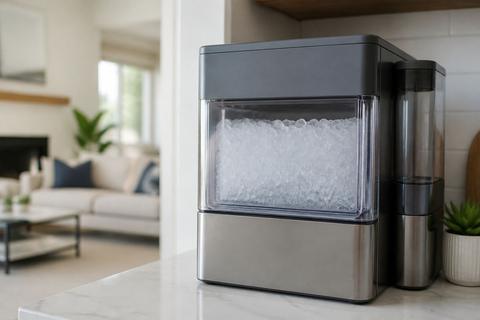
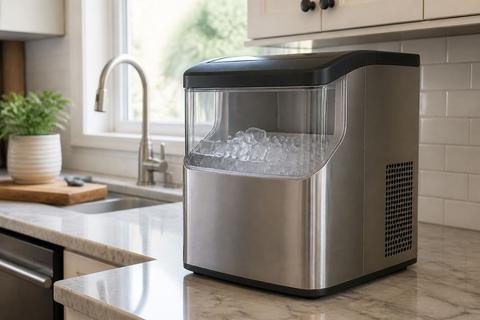
Fix a GE Ice Maker Not Making Ice: Troubleshooting Basics
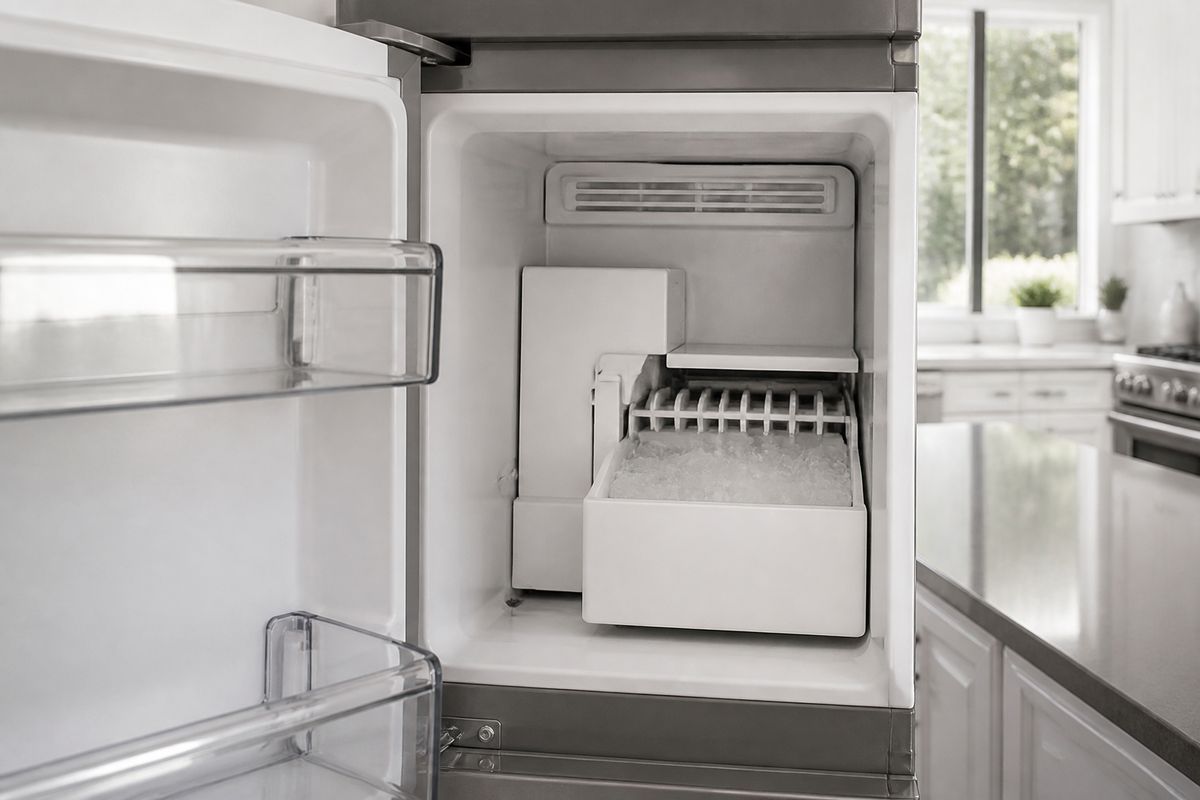
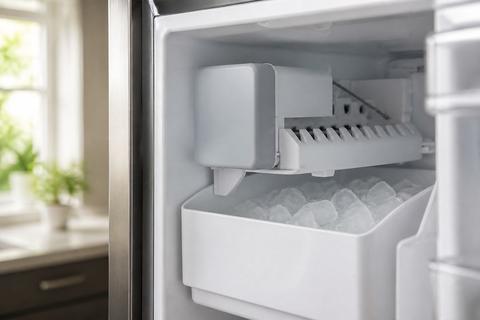
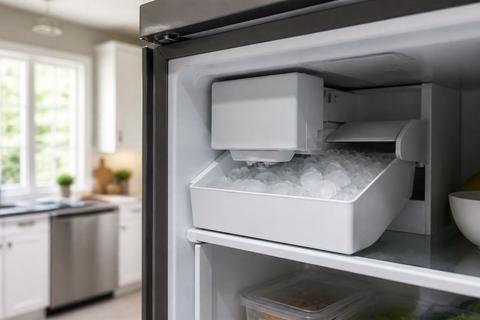
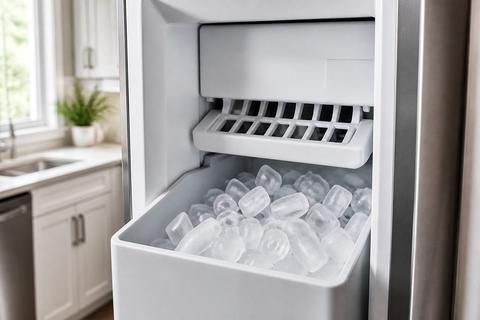
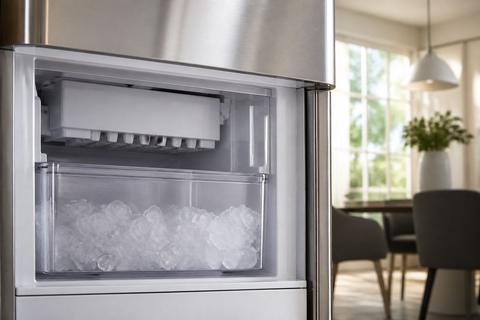
When your GE ice maker suddenly stops, it’s frustrating—especially when the refrigerator still runs normally. If you need a practical way to Fix a GE Ice Maker Not Making Ice, start with the simplest reset and the fastest checks that confirm whether water can reach the maker and freeze properly. Most “no-ice” issues come down to reset timing, temperature, or water flow—not the ice maker itself.
GE Ice Maker Not Making Ice: Reset and Troubleshooting Steps
A quick reset helps when the ice maker gets stuck mid-cycle, after a power flicker, or when it stops responding to the thermostat/harvest timing. If a reset doesn’t restore ice, the problem usually points to water delivery (line/filter/supply), freezer temperature, or a mechanical failure inside the ice maker assembly.
-
Reset the ice maker using the control method your model supports.
- For many GE refrigerator ice makers, toggle the ice maker switch/lever to OFF, wait 30 seconds, then back to ON.
- If your model has a power switch on the ice maker module, slide it to OFF, wait 30 seconds, then back to ON.
-
Confirm the freezer is cold enough to freeze ice.
Set the freezer to 0–5°F. If the freezer has been warm, the ice maker may not reach freezing temp to form ice. -
Check for an obvious water supply interruption.
Make sure the water shutoff valve behind the refrigerator is fully open (handle should be in-line with the pipe). -
Look for a stuck shutoff mechanism.
On most GE ice makers with a feeler arm (wire bail), if the arm is stuck up (blocked by ice or pushed by items), the unit stops. Free it and lower it. -
Verify the ice maker can run a harvest cycle.
If your ice maker has a recessed test button, press it once to start a manual harvest and listen for motor action and water flow.
GE Refrigerator Ice Maker Not Working: Connection and Adjustment
If your GE refrigerator ice maker is not producing ice, the problem is frequently on the water path or in the ice maker’s shutoff/arm position. A misaligned shutoff arm, a water line that isn’t fully seated, or a filter housing issue can prevent the unit from filling, freezing, and ejecting ice.
-
Inspect the water line connection at the refrigerator inlet.
Pull the refrigerator slightly away from the wall (enough to access the inlet). Reseat the tubing connection so it is snug and straight, not kinked. -
Check the shutoff arm (wire bail).
The ice maker stops when the feeler arm is raised. Lower the arm so it rests freely (remove anything that could push it up). -
Replace the water filter if it’s overdue or clogged.
If your filter is past 6 months or was replaced long ago, install a new GE-compatible filter (for example, XWF/XWFE/MWF series). After replacing, run a few dispense cycles to purge air. -
Confirm the shutoff valve is fully open and not partially restricted.
A valve turned halfway can reduce flow enough that the ice maker never completes a fill cycle.
Full Guide: GE Refrigerator Ice Maker Not Working: Connection and Adjustment
GE Refrigerator Making Very Little Ice: Flow and Adjustment Fixes
When your GE ice maker produces only a small amount of ice, the maker usually cannot get enough water fast enough or a setting restricts production. The most common culprits are restricted water flow (filter/line/freeze-up) and a production limit from ice maker mode or shutoff behavior.
-
Replace a clogged water filter.
If ice output is low and the filter is old, install a new filter and purge air by running a few water/ice cycles. -
Look for a frozen or kinked water line.
Check for a kink behind the refrigerator or along the run. If you suspect freezing, thaw the line gently and restore normal flow. -
Check the inlet water temperature.
GE ice makers need sufficient inlet temperature to cycle efficiently. If your home’s water temperature is extremely cold, ice production can slow. -
Ensure the ice bin/shutoff behavior isn’t limiting production.
If ice builds up and pushes the feeler arm up (or if the arm is sticky), the unit stops filling. Remove excess ice and free the arm to move freely. -
Set freezer temperature back to target.
Keep the freezer at 0–5°F. A warm freezer reduces harvest frequency and slows ice growth.
Full Guide: GE Refrigerator Making Very Little Ice: Flow and Adjustment Fixes
GE Ice Maker Making Ice Too Slowly: Water and Performance Checks
Slow ice production points to weak water delivery, insufficient freezer performance, or a cycle that cannot complete on schedule. Before assuming the ice maker is failing, verify water flow and temperatures—both determine whether cubes can fill and freeze to the correct size.
-
Verify freezer temperature stability at 0–5°F.
Use the freezer control to correct a warm setting, then wait for stabilization. -
Check for low water flow from the water filter or line restriction.
Replace a clogged filter and ensure the water shutoff valve is fully open. A partly blocked valve reduces the fill volume. -
Inspect the water line for kinks or partial freezes.
Look for tight bends or crushed sections. Restore the line so it runs straight and unobstructed. -
Confirm normal ice maker fill and harvest behavior.
When the ice maker runs, you should hear/notice water entering and the unit completing its harvest. If it fills weakly, focus on water supply first. -
Look for repeated “stuck mid-cycle” behavior after power fluctuations.
If it starts-and-stops, run the same reset/harvest process and then observe whether the cycle consistently completes.
Full Guide: GE Ice Maker Making Ice Too Slowly: Water and Performance Checks
GE Profile 2 Ice Maker Not Working: No-Ice Troubleshooting
GE Profile 2 models can behave differently than standard cube-maker setups, especially in how the system detects status and responds to cycle interruptions. When you have no ice, use the most relevant troubleshooting path for the unit’s specific behavior and link to the dedicated fix article for model-accurate steps.
-
Start with the model-specific reset sequence.
Follow the Profile 2 procedure for restarting the ice maker control so it can re-enter a normal harvest cycle. -
Check for the no-ice indicators on the ice maker/control panel.
Pay attention to any flashing status patterns that indicate cleaning is required or that the unit is not receiving the needed inputs. -
Confirm water access and filter condition.
A clogged or overdue filter is a top cause of “no ice,” even when the freezer is cold. -
Verify freezer temperature and room airflow.
Keep the freezer set within 0–5°F. Blocked vents or an incorrect setpoint can prevent reliable freezing. -
Move to mechanical/cycle checks only after water and temperature are correct.
If the machine shows water/harvest activity but still makes no ice, the dedicated Profile 2 troubleshooting path is the fastest next step.
GE Café Ice Maker Not Ejecting Ice: Fix the Cycle and Jam
If your GE Café ice maker forms ice but does not eject it, the issue is usually in the harvest cycle, the ejector mechanism, or a jam inside the maker. Ice that stays stuck prevents the unit from completing subsequent cycles, so the problem becomes persistent quickly.
-
Unstick the ice jam inside the ice maker.
If ice blocks the chute or the internal pathway, remove the ice using a safe method recommended for your model (avoid damaging sensors/augers). -
Trigger a harvest/eject cycle after clearing the obstruction.
Use the ice maker’s control (or the documented reset/test method for your Café model) to run a harvest cycle once the path is clear. -
Inspect for ice bridging or overproduction in the bin/chute area.
Ice bridges can form when ice is too warm or when cycles don’t complete fully—clean the contact surfaces where bridging happens. -
Check for ejector movement issues.
If the ejector does not move when the cycle runs, the mechanism may be obstructed or faulty. Clear obstructions first before replacing parts.
Full Guide: GE Café Ice Maker Not Ejecting Ice: Fix the Cycle and Jam
GE Nugget Ice Maker 2.0 Not Making Ice: Reset and Checks
GE Nugget Ice Maker 2.0 units can need a reset sequence that’s different from standard cube makers. If you have no nugget ice, start with the correct reset, then check for the issues most likely to stop production on these models.
-
Reset the Nugget Ice Maker 2.0 by powering it off and back on.
Unplug the unit for several minutes, then plug it back in and restart operation using the unit’s normal control. -
Run the unit’s Clean cycle if the status light indicates cleaning is needed.
Many Opal-style nugget systems use a flashing light pattern to signal cleaning requirements or low reservoir/side-tank status. -
Check the side tank/reservoir level and water availability.
If the reservoir is low or empty, production stops. Refill with the correct water source for your setup. -
Use a proper cleaner for scale buildup.
Run the recommended descaling/clean routine (for example, Opal Nugget Ice Maker Cleaner or a vinegar-water solution) followed by a rinse cycle so scale doesn’t restrict freezing and flow. -
After reset/clean, watch for the unit to complete an ice-making cycle.
If it still makes no ice after cleaning and water verification, proceed through the model-specific troubleshooting path.
Full Guide: GE Nugget Ice Maker 2.0 Not Making Ice: Reset and Checks
GE Countertop Ice Maker Not Working: Power, Water, and Clean-Out
Countertop GE ice makers stop for practical reasons: power problems, water supply issues, or blockages from mineral buildup. If you want the fastest fix, check those three areas in order and then clear out any obstruction that prevents proper operation.
-
Verify power to the unit.
Plug directly into a working outlet (avoid adapters). If your model has a power switch, set it to ON. -
Confirm water supply and intake is working.
Ensure the water tank is properly filled and seated so the intake can pull water into the system. -
Empty and clean the ice maker if buildup is suspected.
Mineral scale can block flow paths and freeze zones. Remove leftover ice and clean the interior surfaces according to your model’s instructions. -
Run the clean-out/descale routine.
Use the recommended descaling solution. Follow with a rinse cycle so residue does not interfere with the next ice batch. -
Check for airflow/vent obstructions.
Keep vents unobstructed; restricted airflow can interfere with freezing performance.
Full Guide: GE Countertop Ice Maker Not Working: Power, Water, and Clean-Out
Frequently Asked Questions
Why is my GE ice maker not making ice?
The most common causes are a water supply issue, a clogged filter or line, the freezer set too warm, a stuck ice maker mechanism, or a setting that limits production. If the ice maker isn’t filling with water, it can’t freeze—so start by confirming water reaches the unit and the freezer temperature stays in the 0–5°F range. If ice forms but never ejects, the problem is likely mechanical (harvest/eject cycle or a jam), not water temperature.
Should I reset my GE ice maker before calling for service?
Yes. A reset is a reasonable first step when the ice maker suddenly stops or behaves unpredictably after a power flicker or interruption. If ice doesn’t return after the reset and the maker still can’t complete a fill/freeze/harvest cycle, move on to water flow (shutoff valve, filter, line) and freezer temperature checks.
How do I know if the problem is the ice maker or the refrigerator?
If the refrigerator cooling system runs normally but the ice maker does not fill, freeze, or eject ice, the issue is likely isolated to the ice maker assembly or the ice maker’s water path. If the freezer temperature is too warm or water delivery is failing at the refrigerator level, the underlying issue may involve the refrigerator system or water supply.