How to Reset Your Samsung Ice Maker (Including Bespoke)
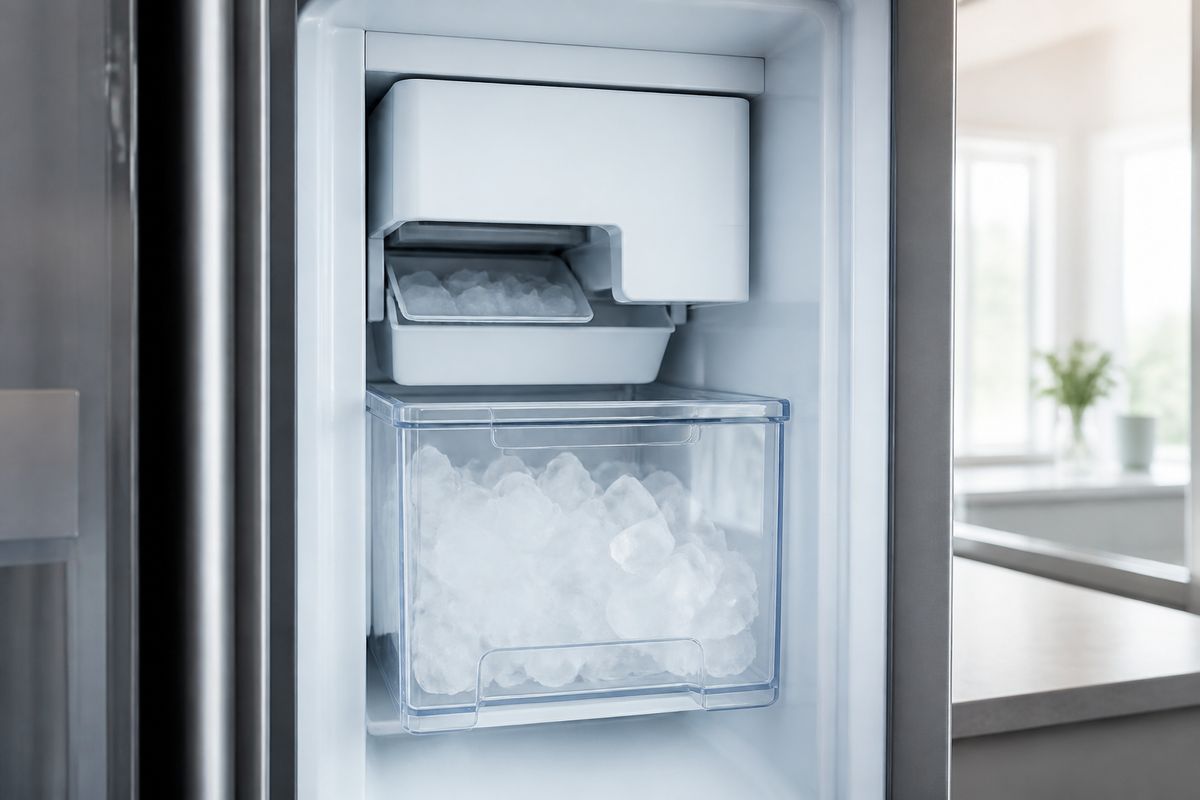
If your Samsung ice maker stops making ice, freezes up, or seems stuck in a “no ice” state, you don’t always need a repair right away. Knowing how to reset samsung ice maker systems can clear a stuck cycle and get water/harvest steps moving again. Use the steps below to reset correctly, starting with simple checks that solve many issues.
For more help, see our Samsung Ice Maker Frozen: Defrost, Reset, and Stop Freeze-Ups guide.
Before You Reset: Quick Checks That Fix Many Ice Maker Issues
Confirm the ice maker is turned on
Before you reset, make sure the ice maker isn’t disabled. On most Samsung French-door and side-by-side models, open the freezer and look for the ice maker status light, or use the refrigerator panel to verify Ice On is selected. If your control panel shows “Ice Off,” switch it to “Ice On,” then allow a few minutes for the system to re-engage. If your model uses an ice maker switch inside the freezer, set it to the ON position and close the door fully so the freezer temperature can stabilize.
Check the water supply, filter, and freezer temperature
Ice makers need both cold temperatures and steady water flow. Set the freezer to 0°F (-18°C). Next, confirm the water supply is on: the shutoff valve behind the refrigerator should be fully open and the water line should not be kinked. If you recently changed filters (or haven’t changed one in a long time), check whether the filter is properly seated and whether the water filter housing is clogged. After a filter change, expect a delay—ice production can take about 24 hours to resume.
Look for ice blockages, jammed cubes, or a full ice bucket
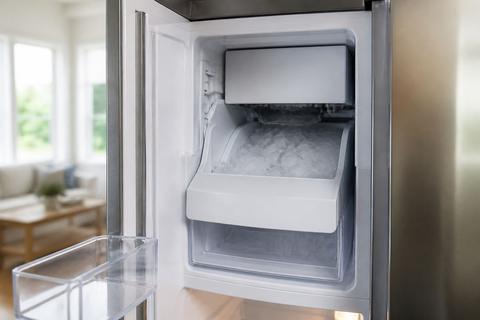
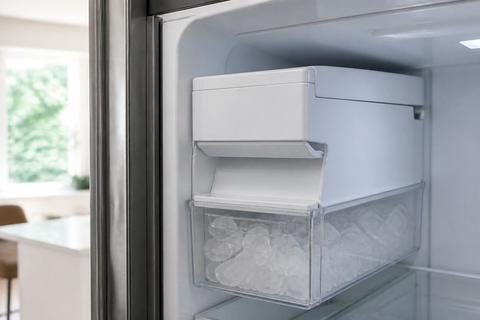
A jam prevents a reset from finishing its harvest cycle. Remove the ice bucket and inspect for clumps, a stuck “ice bridge,” or cubes blocking the chute. If you see frost buildup at the ice chute opening, thaw it with warm water and wipe away loose ice. If the ice bucket is full, empty it—some Samsung ice makers stop filling when the bucket reaches capacity.
How to Reset a Samsung Ice Maker Step by Step
Find the test or reset button on your model
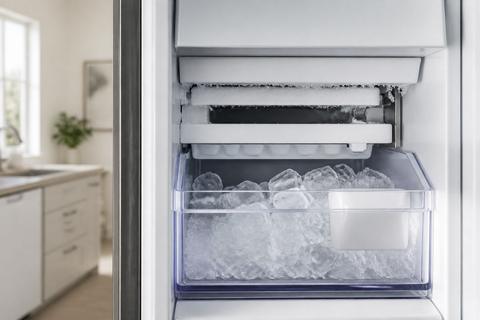
Start by locating the ice maker’s test/reset control. Many Samsung French-door and bottom-freezer models have a small blue Test button on the underside or right side of the ice maker module. On some newer models, the “reset” happens through a control-panel procedure rather than a physical button. Use your refrigerator’s ice maker area as your guide: remove the ice bucket, look for the ice maker electronics module, and find the button labeled Test or Reset.
Run the ice maker test cycle correctly
Once you’ve found the control, run the correct cycle. For models with the blue Test button, press and hold it for about 10 seconds until you hear a chime. The ice maker will run a harvest/fill routine designed to clear a stuck state. Do not interrupt the cycle by removing the bucket again—wait for the unit to complete its steps. If your refrigerator uses a panel procedure, follow the exact button sequence in your model’s manual to trigger the ice maker test mode.
Wait for the full reset and know what normal sounds mean
After the test/reset cycle starts, you may hear the ice maker motor turning, then a fill action as water runs briefly. This is normal. After any reset, ice production can take time to resume—discard the first one or two batches because they may include residual water from the reset process. If you don’t see new ice, keep in mind the freezer must be cold enough to form cubes and the water path must be clear of frozen sections.
Reset Methods by Samsung Refrigerator Style
French door and bottom freezer models
French door and bottom freezer Samsung refrigerators often use either a blue Test button on the ice maker or a panel ice-control option paired with a test cycle. To reset using the button, remove the ice bucket for access, locate the small blue Test button on the ice maker assembly, and press/hold it for about 10 seconds until you hear the chime. Then let the cycle run without interruptions. If the panel shows an Ice Off/On setting, switch it to Ice On before starting the test so the module allows harvest and fill.
Bespoke models and panel-controlled ice makers
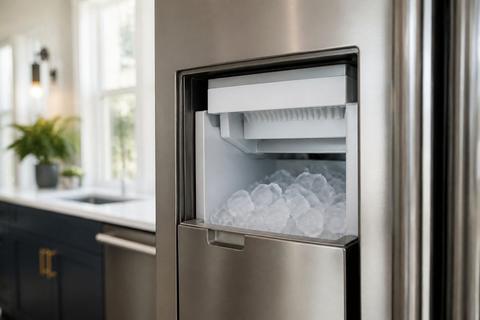
Bespoke models and some panel-controlled ice makers don’t always provide a simple physical reset button. Instead, you may need to use the refrigerator’s control panel to enable the ice maker and trigger the ice maker’s test/reset routine. First, verify the ice maker is switched to ON in the panel and that your water source is active. For Bespoke/standalone countertop-style units with a reservoir, confirm the tank is filled to the marked line and the water path is connected—an empty or partially filled reservoir prevents the system from completing the reset.
Older Samsung refrigerators with a physical reset switch
Some older Samsung models use a physical reset switch near the ice maker assembly. If your ice maker has a dedicated reset switch or a distinctly marked lever/button, use it to clear the stuck state. Power must stay stable while you reset—do not unplug mid-cycle. After switching/resetting, give the unit enough time to complete harvest and refill, then check the ice chute area for any jam or frost. If the ice maker light flashes after the reset, move to troubleshooting steps for sensor or frozen-line issues.
If Your Samsung Ice Maker Still Will Not Reset
Power-cycle the refrigerator safely
If the ice maker will not reset or the test does not start, do a full power cycle. 1. Switch the refrigerator to Ice Off from the panel (if available). 2. Unplug the refrigerator from the wall outlet and wait at least 5 minutes. 3. Plug it back in and switch Ice back to On. 4. Run the ice maker test cycle again (button or panel procedure). This clears stuck electronics and allows any internal ice maker logic to reboot safely.
Check for error codes, sensor issues, and frozen lines
A reset can fail if the system detects a fault. Look for an error code on the refrigerator display (for example, ice maker sensor faults such as “5E” or “SE” on many Samsung units) and for flashing ice-maker indicators. These codes often point to a frost-clogged sensor or a stuck harvest mechanism. Also inspect the water path: frozen fill tubes or frost at the ice maker outlet can block flow—use a thaw approach (warm air or gentle warming) to clear frost, then attempt the reset/test again after the line is free.
When a reset only works temporarily or ice stops again
If the ice maker makes a small batch after resetting, then stops again, the root cause is usually not “just a glitch.” Common causes include repeated freezing at the fill area, weak water pressure, a partially blocked chute, or an ice maker assembly that cannot complete harvest. Empty the bin, remove visible clumps, and verify the freezer is steady at 0°F (-18°C). If the sensor fault returns or ice production repeatedly halts after short cycles, the ice maker assembly or control components may need service.
Model-Specific Notes for Common Samsung Ice Makers
What to know for RF18, RF22, RF28, RF42, and RS26 models
Samsung RF18, RF22, RF28, RF42, and RS26 ice maker behavior varies by generation, but the reset goal is the same: get the unit through harvest and fill. First, ensure Ice On is enabled and the freezer is at 0°F (-18°C). If your RF-series model has a physical Test button on the ice maker module, use the press-and-hold approach until you hear the chime. If it’s panel-driven, you must use the correct control sequence for your exact variant—using the wrong sequence can start a different diagnostic mode.
Twin Cooling Plus and other common Samsung cooling systems
Samsung Twin Cooling Plus helps manage humidity by separating airflows, but an ice maker still depends on the freezer section’s temperature and the ice maker’s sensors. With Twin Cooling Plus systems, focus on the freezer temperature first—ice formation requires 0°F (-18°C). If you see frost around the chute or sensor area, that cooling performance can lead to localized freezing that blocks the harvest. After a reset, allow the system time to stabilize before expecting a full batch, and discard the first one or two batches if water timing was interrupted during the reset.
How to confirm the right reset process for your exact model
Use your exact model number to choose the correct reset method because Samsung’s reset controls differ by generation and ice maker type. Locate the model label inside the refrigerator compartment or on the side wall and match it to the correct ice maker module and control layout. If you’re unsure whether your unit has a Test button or only panel controls, remove the ice bucket and look for the ice maker electronics area. Then follow the reset/test steps that match the control type you actually see on your refrigerator.
When to Stop Resetting and Call for Service
Signs the ice maker motor, heater, or control board may be failing
Stop repeating resets when hardware problems are likely. If the ice maker motor keeps running but no cubes dispense, the ice maker heater may not be clearing frost properly, or the mechanism may be failing. If you see repeated sensor-related error codes (like “5E” or “SE”) after thawing and resetting, the sensor or control board may be faulty. Also call for service if the ice maker’s internal components show persistent damage, melted plastic, burnt wiring, or abnormal noises (grinding or clicking that does not complete a cycle).
Problems that usually require a technician or replacement part
Some issues don’t resolve with resets because they require replacement parts. These include a permanently stuck auger/ice dispensing mechanism, a failed ice maker assembly, a defective fill valve, or a control board that cannot complete harvest/fill logic. If water lines are confirmed clear and the freezer stays at 0°F (-18°C) but the unit repeatedly stops producing ice after resets, replacement may be necessary. A technician can verify water pressure, test electrical outputs, and determine whether the ice maker module or sensors need replacement.
Frequently Asked Questions
Where is the reset button on a Samsung ice maker?
It depends on the model. Many Samsung ice makers have a small test/reset button on or near the ice maker module, often a blue Test button located on the underside or right side of the ice maker assembly. Some newer Samsung refrigerators use a control-panel procedure instead of a physical reset button, where you enable ice and then run a specific test mode using the display/menu buttons. If you can’t find a button after removing the ice bucket, your model likely uses the panel procedure.
How long does it take for a Samsung ice maker to reset?
A test/reset cycle usually takes a few minutes, but it can take several hours before you see new ice. The timing depends on freezer temperature, water flow, and how much thaw/defrost was needed for frost-related clogs. After any reset (especially after a power cycle or filter change), the ice maker can take roughly 24 hours to refill and begin producing consistent cubes. If the freezer is cold enough at 0°F (-18°C) and water is flowing correctly, you should see progress after the cycle completes and cubes have time to form.
Why does my Samsung ice maker only work after I reset it?
That often points to a deeper issue beyond a simple power glitch. Common causes include a frozen fill tube, weak water pressure, repeated chute jams, or a sensor/control problem that stops the harvest process. If resetting restores operation briefly but the ice maker stops again, the underlying fault is still present (for example, frost formation that blocks the sensor or a component that intermittently fails). Addressing the blockage, water path, and error codes will determine whether a reset is masking a hardware problem.
What should I do if my Samsung ice maker will not reset?
Start with the basics: switch Ice On in the panel, confirm the freezer is at 0°F (-18°C), check the water shutoff valve and supply line for kinks, and remove the ice bucket to inspect for jams or ice bridges. Then run the ice maker’s test/reset control using the correct method for your model (button or panel). If it still won’t reset, do a full power cycle (switch Ice Off, unplug 5 minutes, plug back in, switch Ice On) and check for error codes or signs of frozen lines before assuming the unit has fully failed.
Do Bespoke Samsung refrigerators reset the same way?
Not always. Bespoke models may use a different control-panel layout and the ice maker location can differ by configuration, so the reset steps must match your exact model number and ice maker type. Some Bespoke systems rely heavily on panel procedures rather than a physical reset button. Also, for Bespoke/standalone units with a reservoir, reset won’t help if the reservoir is empty or the water path is blocked—confirm the tank is filled to the marked line and the water supply is open.